
Mail, calendar and contacts in one quiet window.
grey8 Mail brings your mail, calendar and contacts from Google, Microsoft, Proton and any IMAP server into one native Linux app. It keeps a copy on your computer, so it opens instantly and keeps working offline.
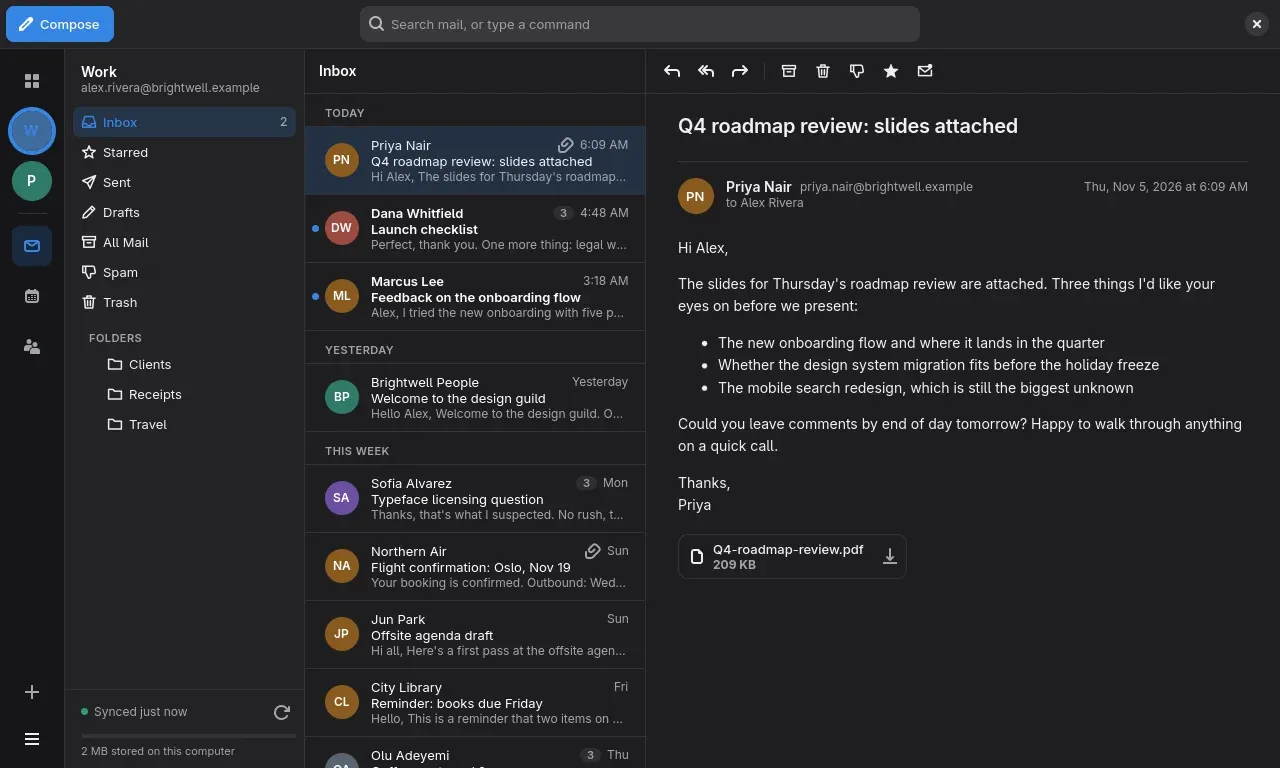
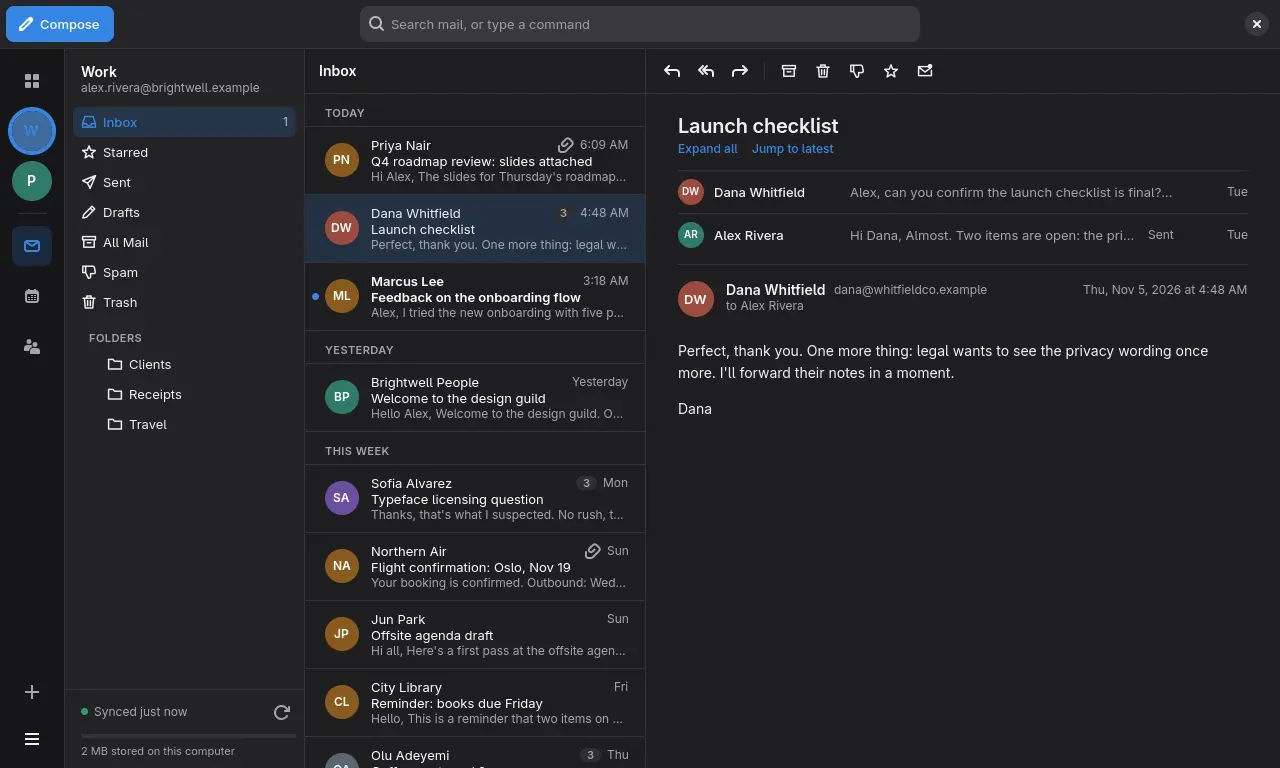
One inbox for every account
Sign in with Google, Microsoft or Proton, or add any IMAP and SMTP server. Switch between accounts from the rail on the left, or look at all of them at once. Mail, calendar and contacts follow the account you pick.
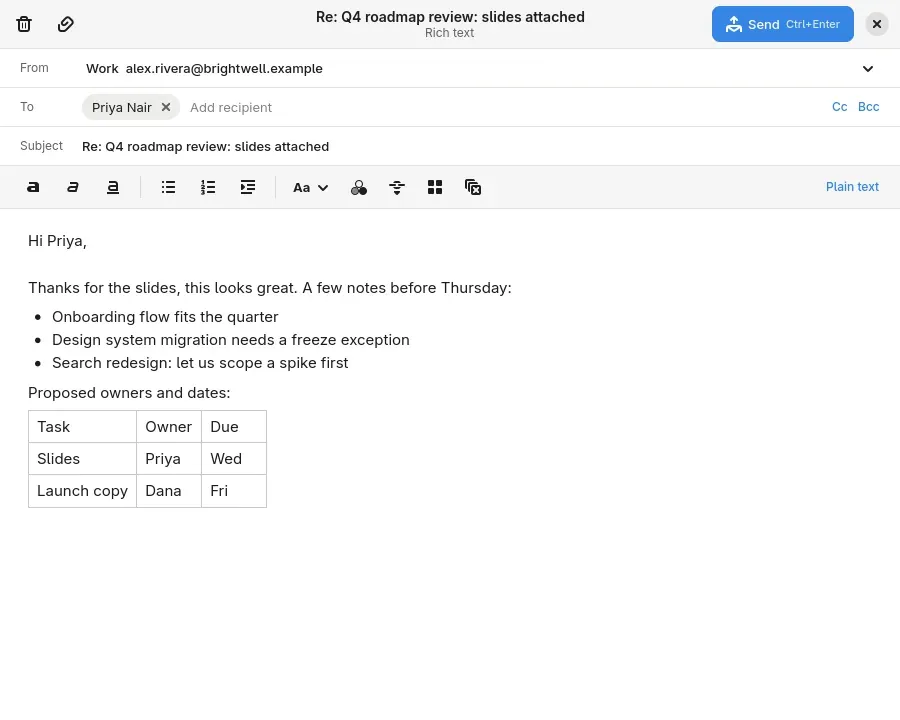
Write the way you mean to
A real rich-text editor: bold, italic, underline, lists, quotes, links, text colour and size, and tables. Signatures can be formatted too, and every message has a plain-text version made for you. Prefer plain text? Switch with one click.
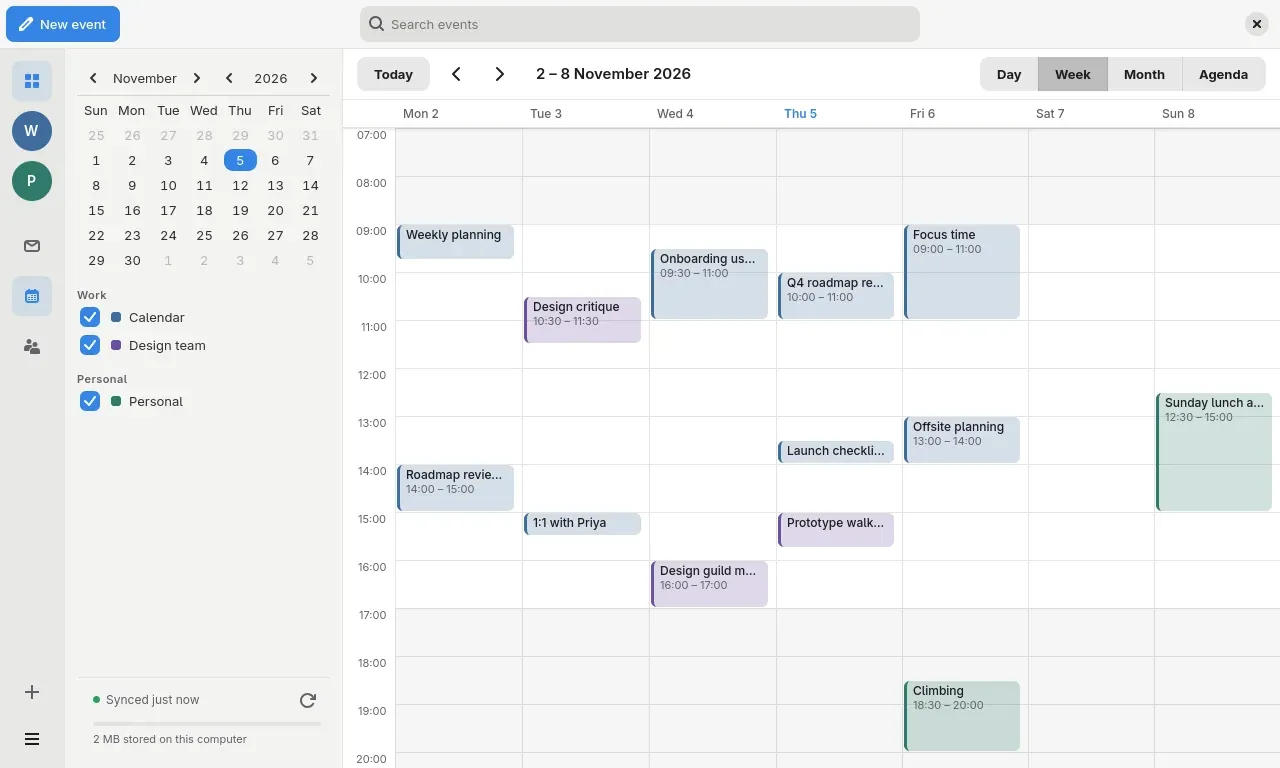
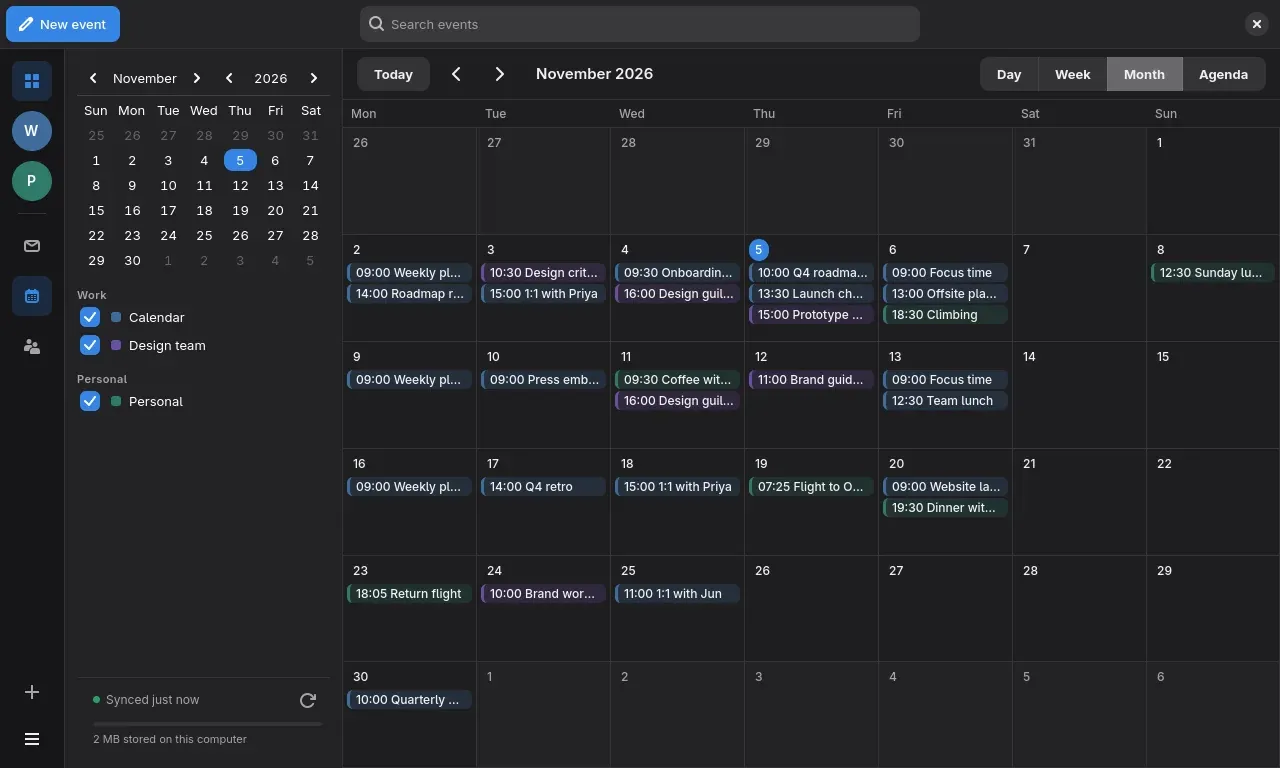
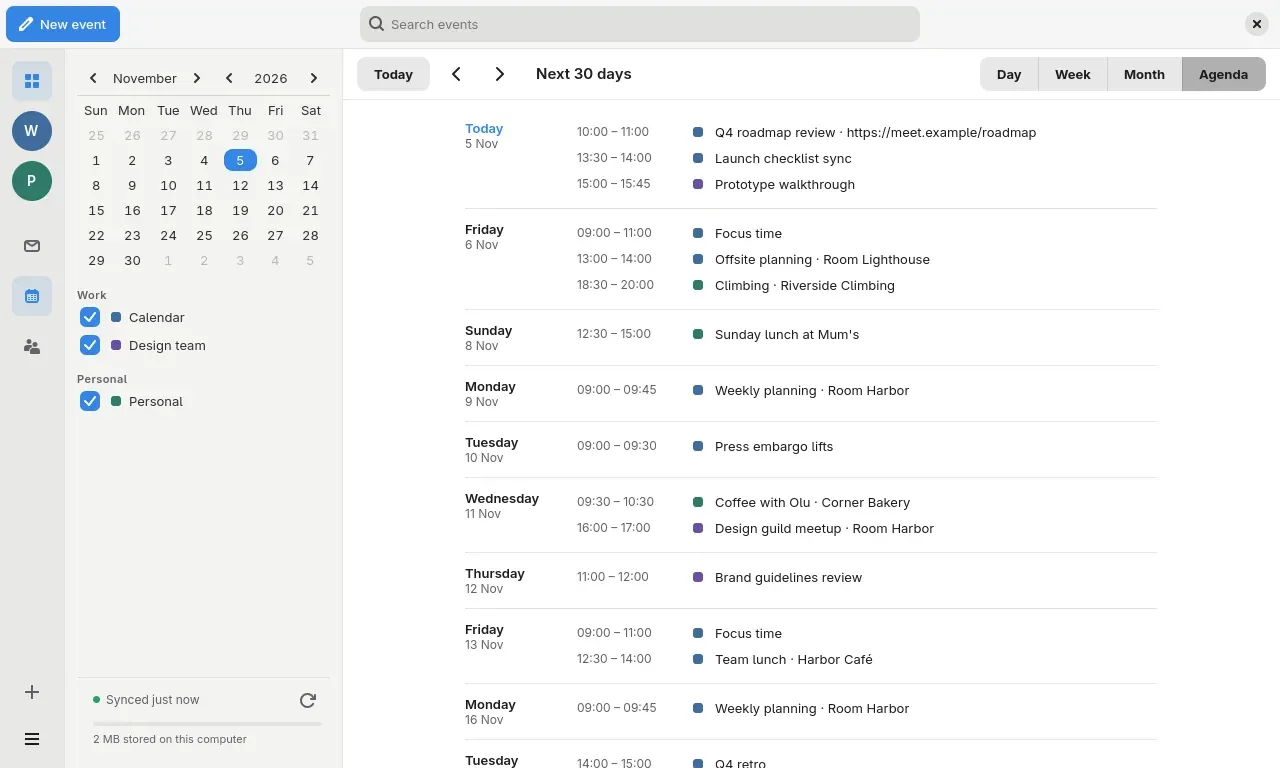
Your calendar, next to your mail
Day, week, month and agenda views across every account, each calendar in its own colour. Invitations in your mail show up as a card with Yes, Maybe and No. Pick the first day of the week, show week numbers and set a default reminder.
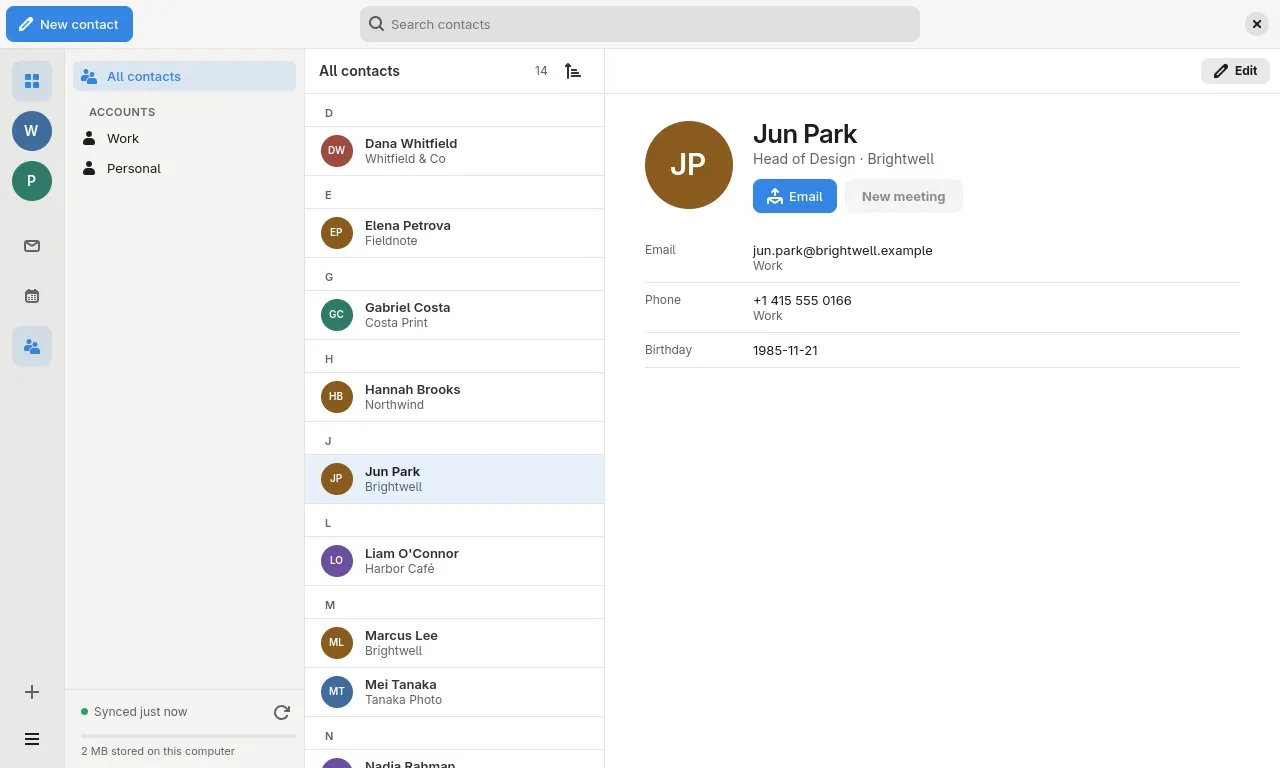
Contacts that stay in sync
Your address books from Google, Microsoft and Proton, searchable and sorted the way you like. Start a message or a meeting from a contact.
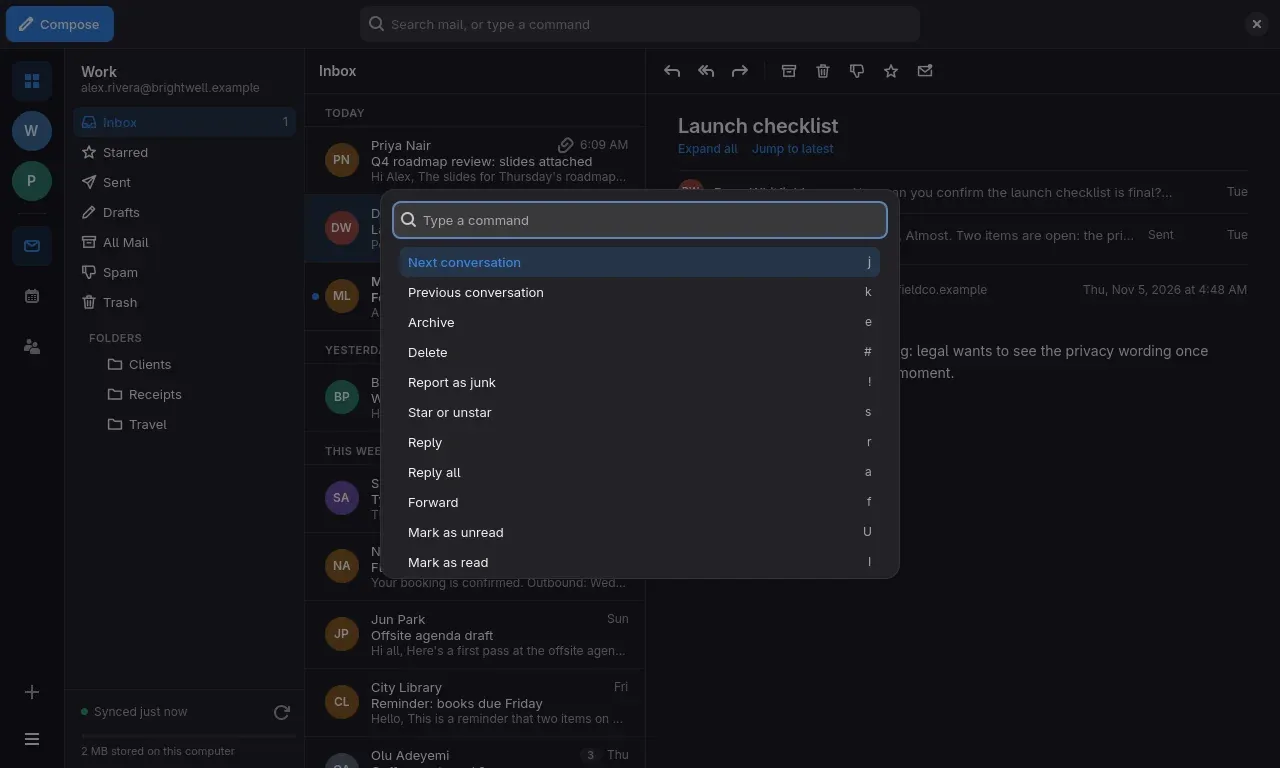
Keyboard first, never keyboard only
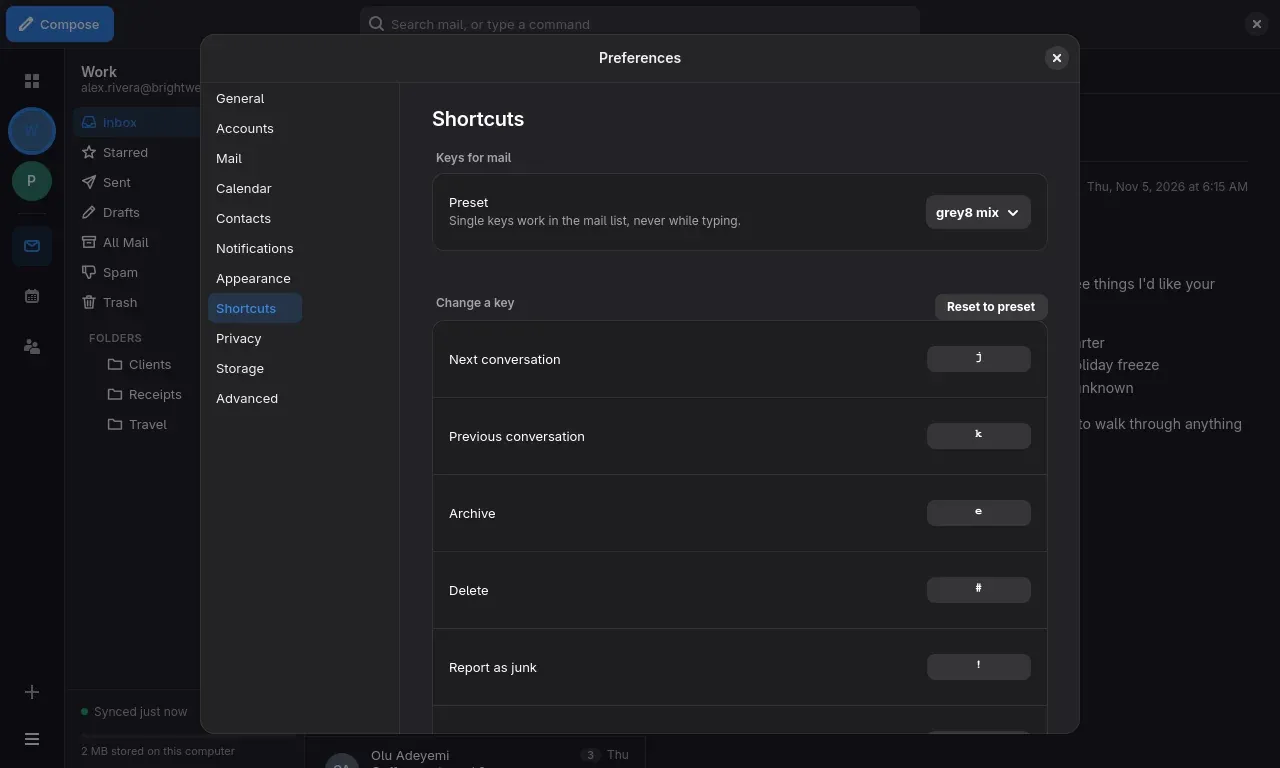
Single-key shortcuts in the message list: archive, delete, star, reply, move to any folder. Choose the grey8 set or a Gmail-style set, and change any key. Press Ctrl+K for a command palette that finds every action by name.
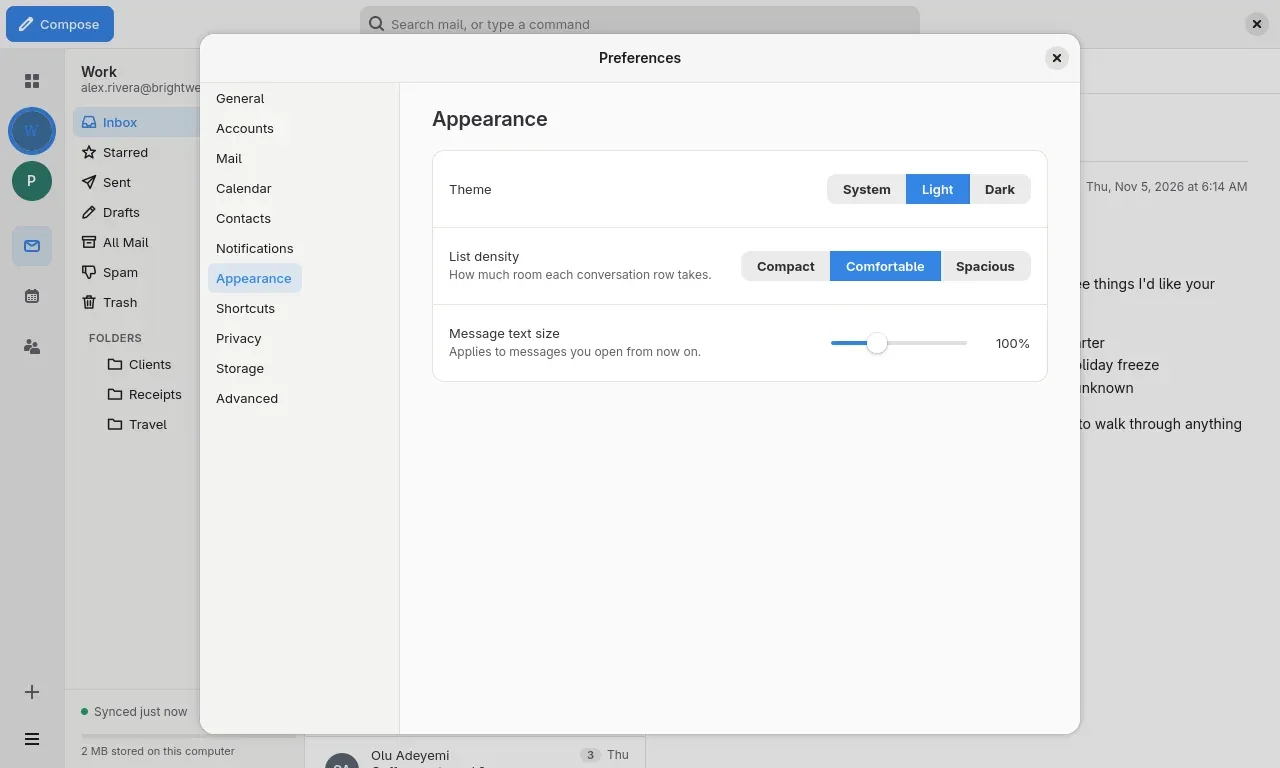
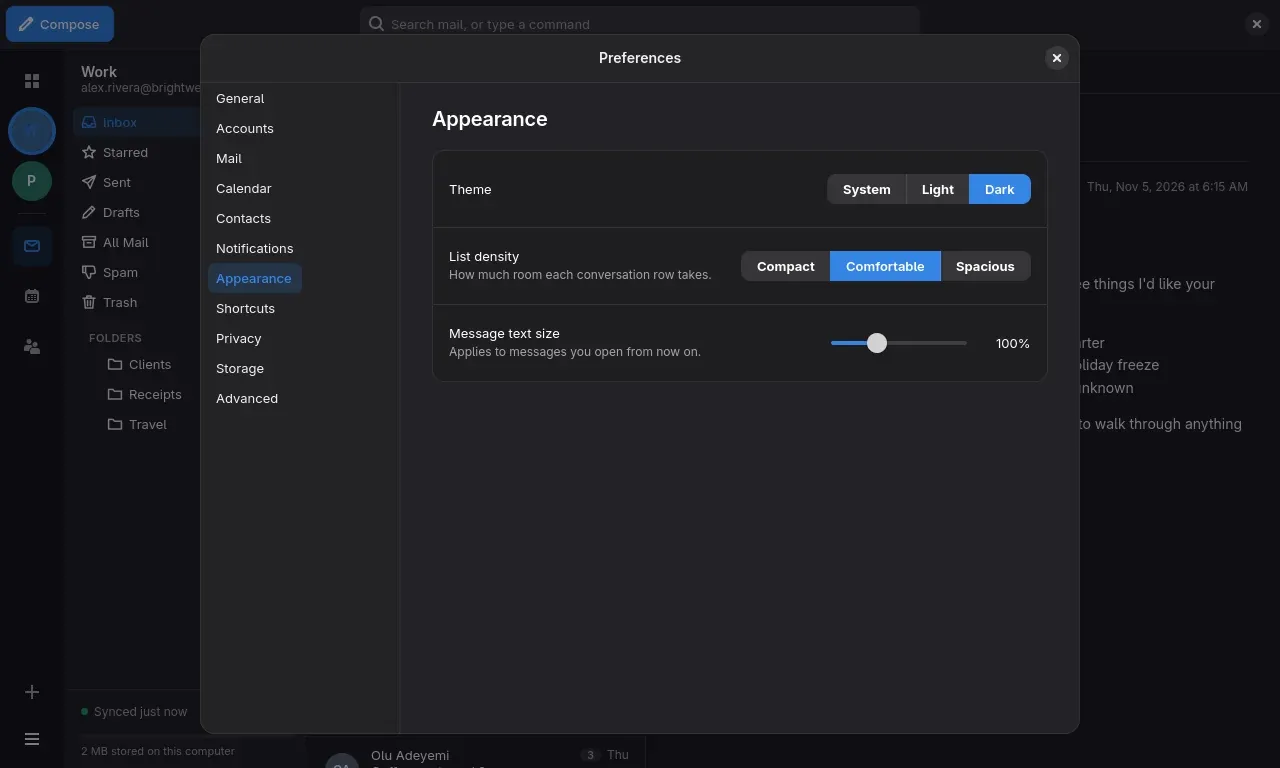
Looks right in light and dark
Follows your system theme or stays fixed. Three list densities and an adjustable message text size.
Private by default
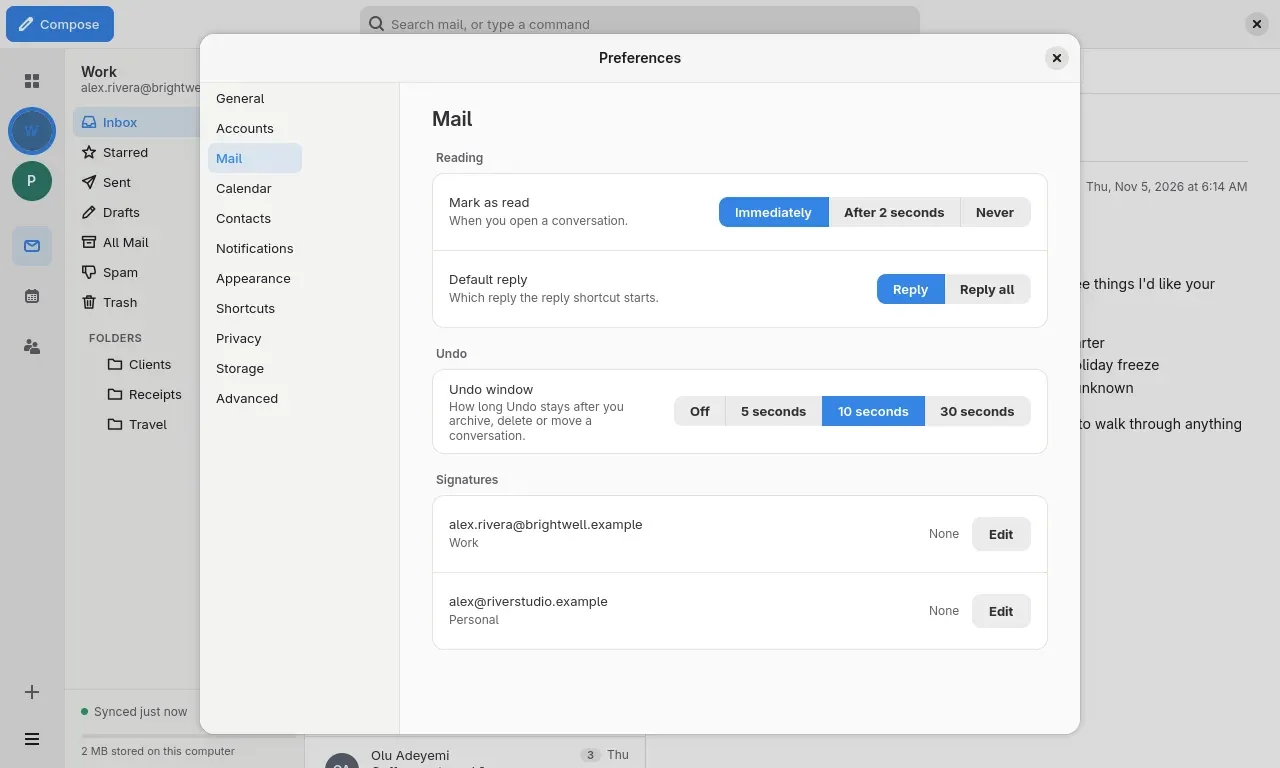
Pictures in messages stay blocked until you allow them, once or always for a sender. New-mail notifications show only who it is from unless you ask for more. Proton mail is unlocked on your computer. Changes you make offline are kept and sent when you are back online, and Undo is there for archive, delete and move.
Built for big mailboxes
The conversation list loads in a blink, even with hundreds of thousands of messages on disk. A disk limit per account removes the oldest mail from your computer, never from the server.
Every account
Google, Microsoft, Proton and IMAP, with calendar and contacts.
Rich text
Tables, colour and signatures.
Calendar
Week, month and agenda, with invitation cards.
Keyboard
Command palette and remappable shortcuts.
Private
Remote images blocked until you say so.
Offline
Undo for archive, delete and move.
Light and dark
Native to GNOME.
grey8 Mail is an early build for Linux. There is no phone, Windows or Mac version. The people, companies and addresses in the screenshots are made up.